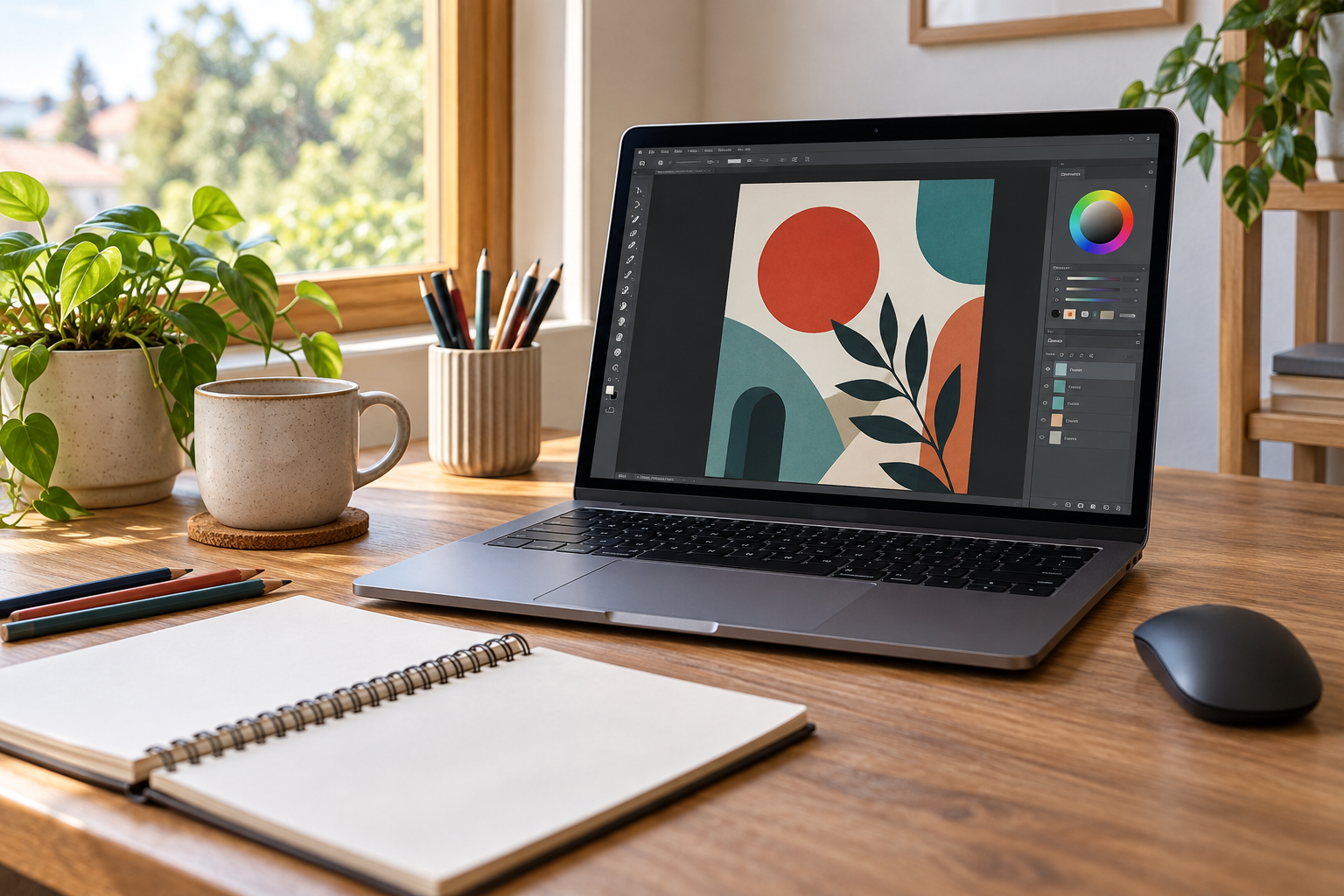
Corel free trials give you a chance to answer a better question than whether the sale price looks good: can you use this software for the work you need to do? A program can have an impressive feature list and still feel awkward for your projects. Before paying, choose a small job you genuinely want to finish, such as editing a set of photos or preparing a simple graphic. A trial is more useful when you have something to do with it than when you spend the whole time clicking through menus.
As checked on October 9, 2026, Corel’s official trials page lists selected products with 15-day or 30-day trials and states that no credit card is required. That is an offer worth evaluating if you are considering one of those tools, but it is not a reason to download everything at once. Each product has its own requirements and registration process. Choose the relevant one and read its current details before starting, especially if you will need to install it on a computer you use for other work.
Choose among Corel free trials by the job
Start with your task, then look at the product descriptions on the official Corel trials page. It groups products for design, painting, photo work, video, and office tasks. CorelDRAW Graphics Suite and Painter are listed with 15-day trials, while PaintShop Pro and VideoStudio are listed with 30-day trials. Those examples do not make the products interchangeable. Read the description for the tool you need, then confirm the available version, operating system, and features on its individual page.
Write down two or three things the software must handle. For a photo project, that could be opening your existing files, making the adjustments you need, and exporting an image at the size you use. A design project might require particular document dimensions and an export format accepted by a printer. These requirements are more helpful than a long list of interesting features. If a product cannot complete the job you bought it for, tools you might someday use do not fix that problem.
Start Corel free trials when you have time
Treat the trial period like time you have set aside for a small project. Read when the selected trial starts counting down, then choose a start date that leaves room for installation, learning, and actual use. If the next two weeks are already crowded, opening a time-limited trial today may give you very little information. Put a few short sessions in your calendar rather than assuming you will find a free afternoon. Familiarity usually requires more than one brief look at the interface.
Prepare the project materials in advance. Keep copies of the files you plan to use and note the output you want. If you are testing a video editor, for example, collect a small set of clips instead of beginning with an enormous unfinished project. A manageable test lets you see the full workflow, including export, before the trial ends. Avoid putting your only copy of important work into an experiment. Check the product’s file and save options before relying on a trial for anything with a deadline.
Test ordinary work in Corel free trials
A useful trial includes the steps that tend to slow you down. Open the file types you already have, find the settings you use most often, and export the finished result. Check how the application behaves on your own computer while working on representative files. A short demonstration video can show what a tool is capable of, but it cannot tell you how comfortably it fits your equipment and habits. Make notes as you go so a polished launch screen does not become your strongest memory of the test.
Pay attention to the learning time as well as the result. If you can complete the task but need repeated help for routine steps, decide whether that effort is reasonable for how often you will use the program. An occasional project may not justify a lengthy adjustment period. Someone working in the software every week may reach a different conclusion. There is no need to label the tool good or bad for everyone. You are deciding whether it is a sensible purchase for your work.
Check the terms before moving to a paid version
Corel’s trials page states that trial downloads involve marketing communications, with an option to opt out. Read the account and communication choices shown during registration. The no-credit-card statement on the trials page should not be treated as a rule for every paid plan or separate promotion. If you later enter payment details, check the checkout terms for that purchase. Keep the trial offer and the paid offer separate in your notes so you do not carry an assumption from one into the other.
Once the software passes your test, compare the paid options available for that product. Look at the amount due now, the length of access, what updates are included, and whether payment recurs. If it is a subscription, find the renewal terms before purchasing. If it is another license type, check what that license covers. Those questions matter more than converting a large upfront charge into a small-looking monthly figure. You should know what you are buying and how long you expect to use it.
Use the current offer after the software passes the test
KouponSnag’s Corel trial offer details provide a starting point for the current promotion. Check the selected product at Corel before registering because availability and terms can change. If you decide to buy later, compare the then-current purchase offers rather than assuming today’s promotion will still apply. This article does not quote a paid discount that might expire before you have finished testing the software.
At the end of the trial, ask whether you completed the intended job, whether the result met your needs, and whether the paid terms make sense. It is fine to decide that the software is capable but more than you need. Corel free trials are useful precisely because they let you make that decision before purchasing. The worthwhile outcome is a clear answer, whether that leads to buying a suitable tool or keeping the money for something else.
KouponSnag may earn a commission from purchases through our links. Trial details were checked on October 9, 2026; confirm the selected product’s current terms before registering.